-
 A Quick Reference Guide to assist in the use of the Waterline to Optimize Portfolios in Clarity’s Classic UX. Reviews waterline menu, ranking rules, and use of filters.
 -
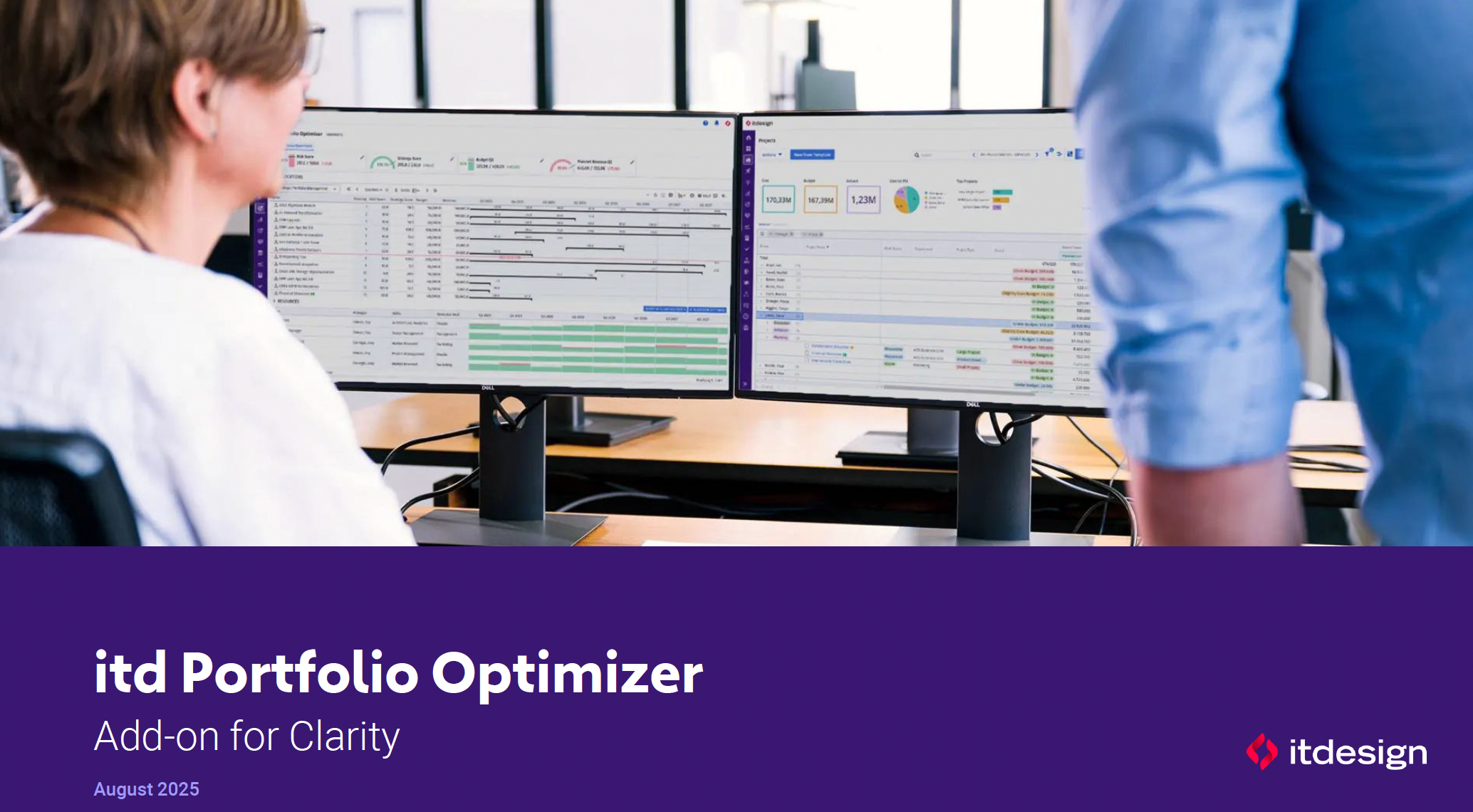 ItDesign has a new Clarity Add-on for portfolio management. In this class they will introduce the Portfolio Optimizer.
 -
 A Quick Reference Guide to assist in the use of the Portfolio Reporting in Clarity’s Classic UX. Reviews the Scorecard in the Portfolio menu, portlet available, and exporting data as reports.
 -
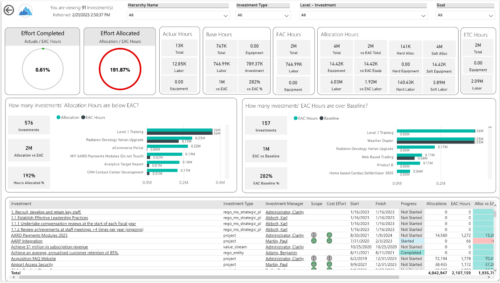
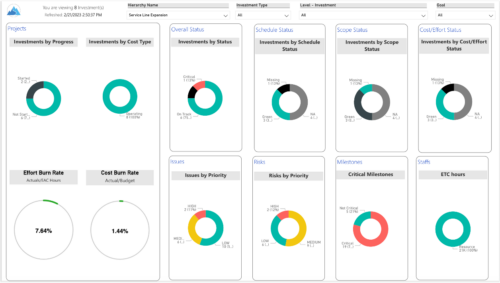 Summarize an ad hoc list of investments or leverage your defined hierarchies to visualize and evaluate the performance of your portfolios, including financial data analysis. Report Views include:
- Change Requests
- Cost Trend
- Cost
- Effort Trend
- Effort
- Hierarchy Summary
- Investment Drill Thru
- Investment Gantt
- Issue Summary
- Milestones
- Risk Summary
- Staff
- Status Report Summary
- Tasks
-
 A Quick Reference Guide for utilizing Portfolio Targets in Clarity’s Classic UX. Reviews the target menu and using breaking down roles for use in portfolios.
 -
 Are you starting a demand/portfolio management implementation, or do you want to compare how you are using these functions vs. others or best practices? In this class we will discuss some best practices from successful customers.
 -
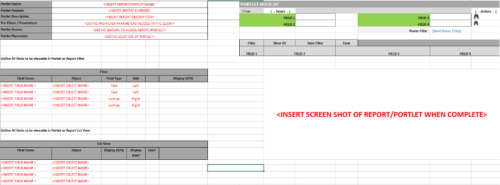 This Excel document provides a template for mocking up and validating portlet requirements. The template is important to use to help end users visualize the final output of a portlet. Template Defines:
- Portlet Name
- Portlet Purpose
- Portlet Description
- Portlet Security
- Portlet Placement
- Portlet Filter Fields/Layout
- Portlet Grid Fields/Layout
-
 Are you ready to go beyond simple graph and grid portlets? This class will show you how to create and export portlets with hierarchical structure and drill-down capability, and includes examples of advanced portlets and complex queries.
 -
 Course description: “Are you ready to go beyond simple graph and grid portlets? This class will show you how to create and export portlets with hierarchical structure and drill-down capability, and includes examples of advanced portlets and complex queries.” Download file is the presentation slide deck.
 -
 Utilize the PowerBI against the Clarity ODATA connector to get critical data for rich reports and dashboards. This class is a hand on beginner training class for PowerBI - learn how to build basic reports against the Clarity data warehouse.
 -
 Utilize Power BI with the Clarity ODATA connector to get critical data for rich reports and dashboards. This class is a hands-on beginner training for Power BI. learn how to build basic visuals and reports against the Clarity data warehouse.
 -
 A presentation slide deck from Rego University 2022. The course outline for creation of Power BI Dashboards for Clarity, Beginner Level.
- Overview
- Connecting to Data Sources
- Reports and Dashboards
- Creating a Report
- Data Import Options
- Data Transformation


Copyright 2023 • Rego Consulting Corporation • Privacy Policy