Timesheet Compliance Summary Dashboard (Power BI)
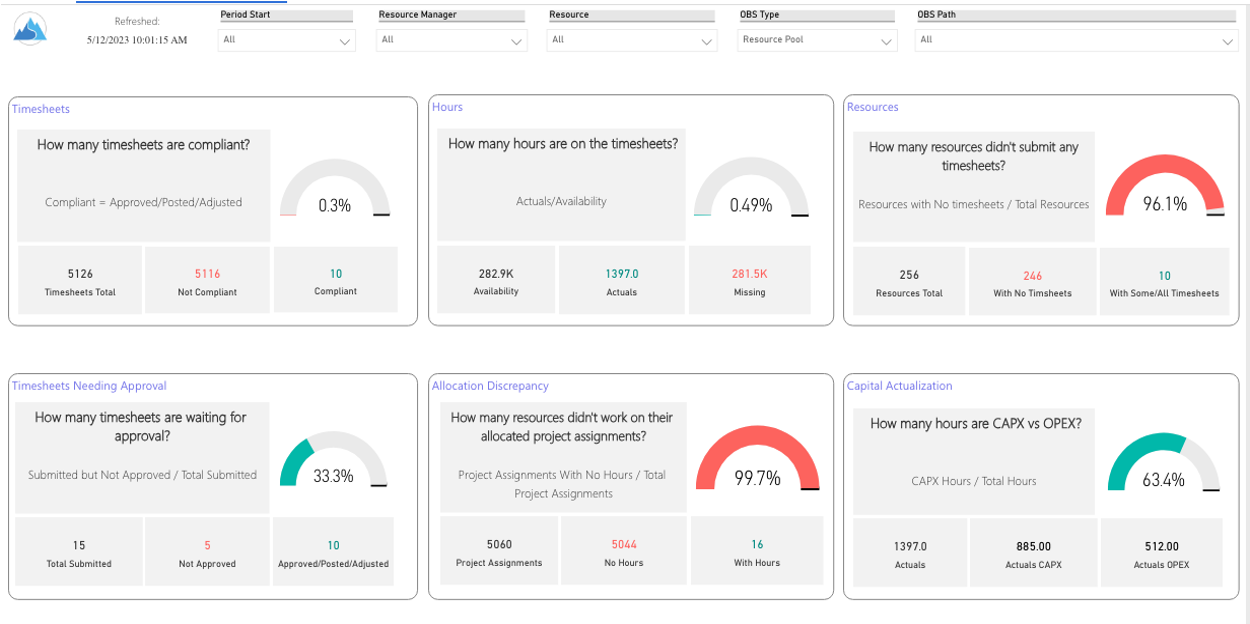
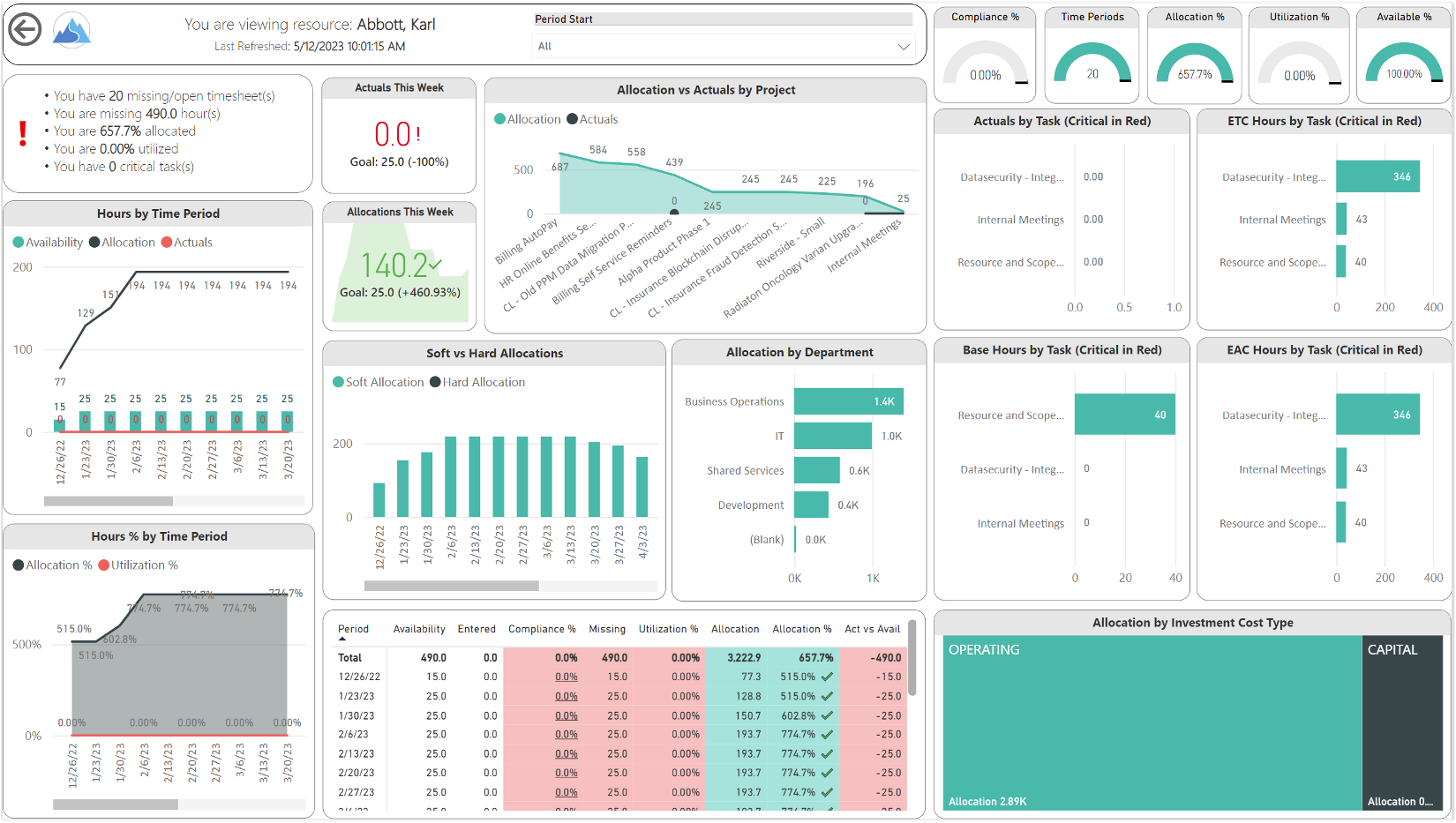
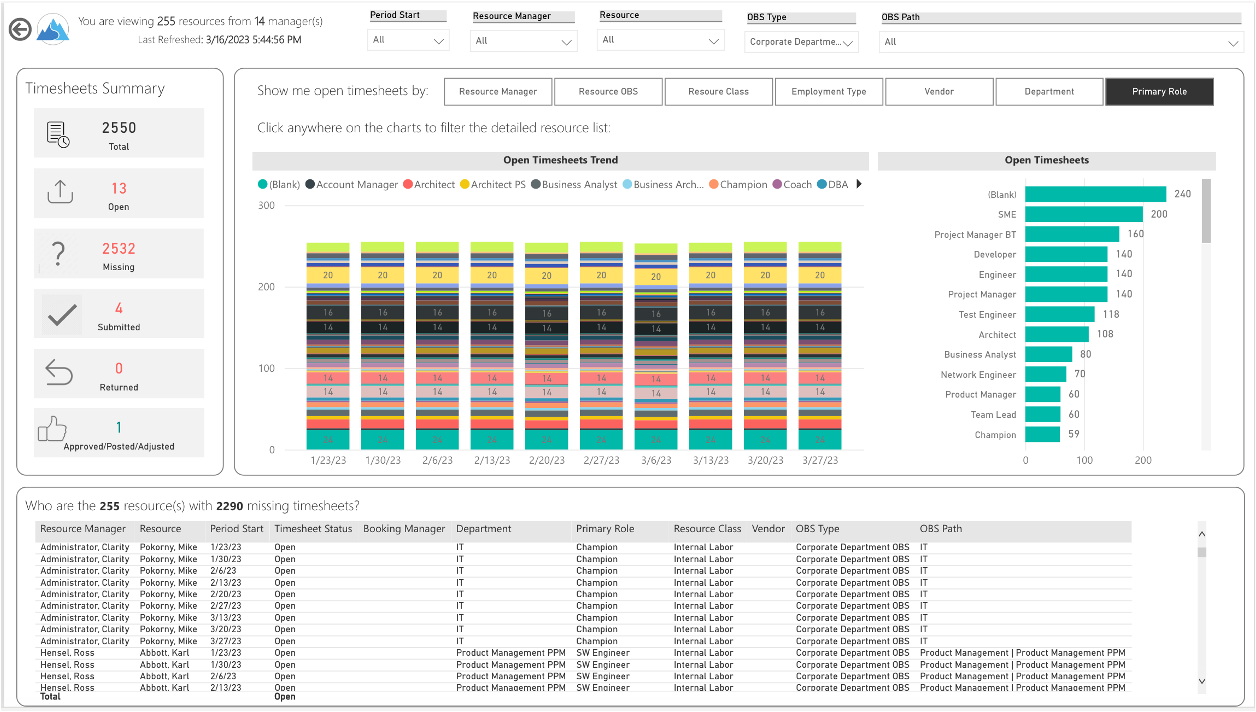
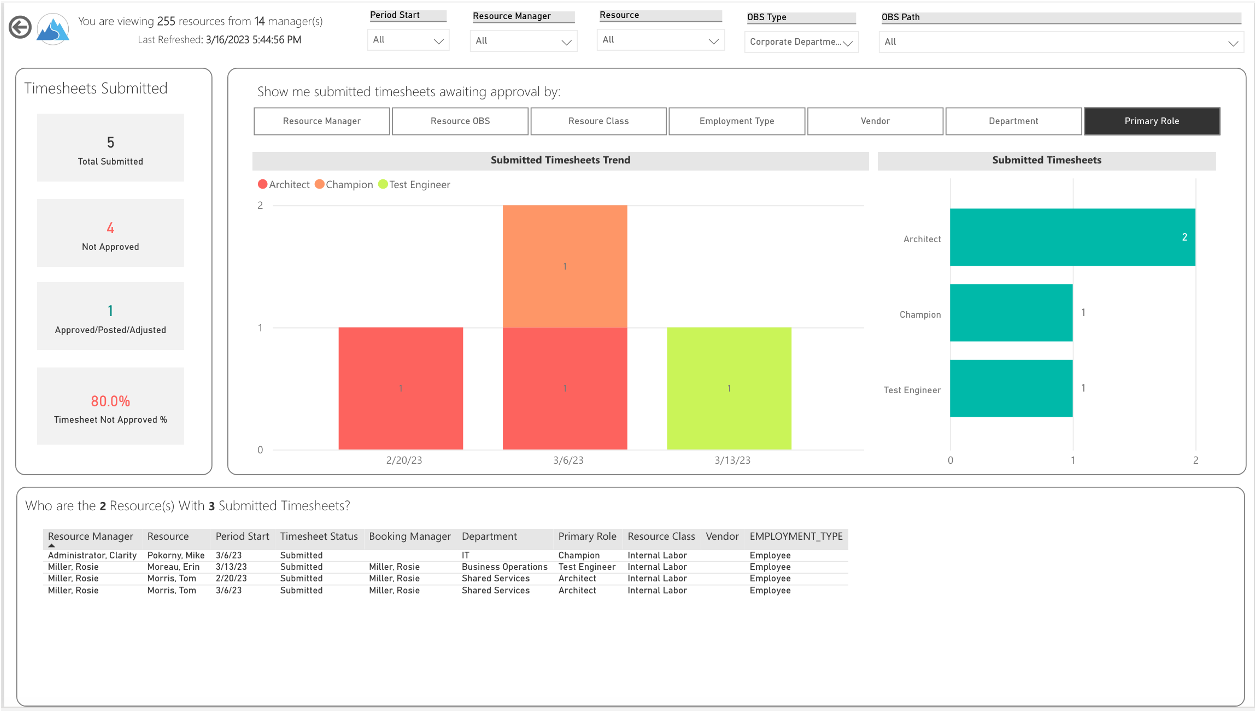
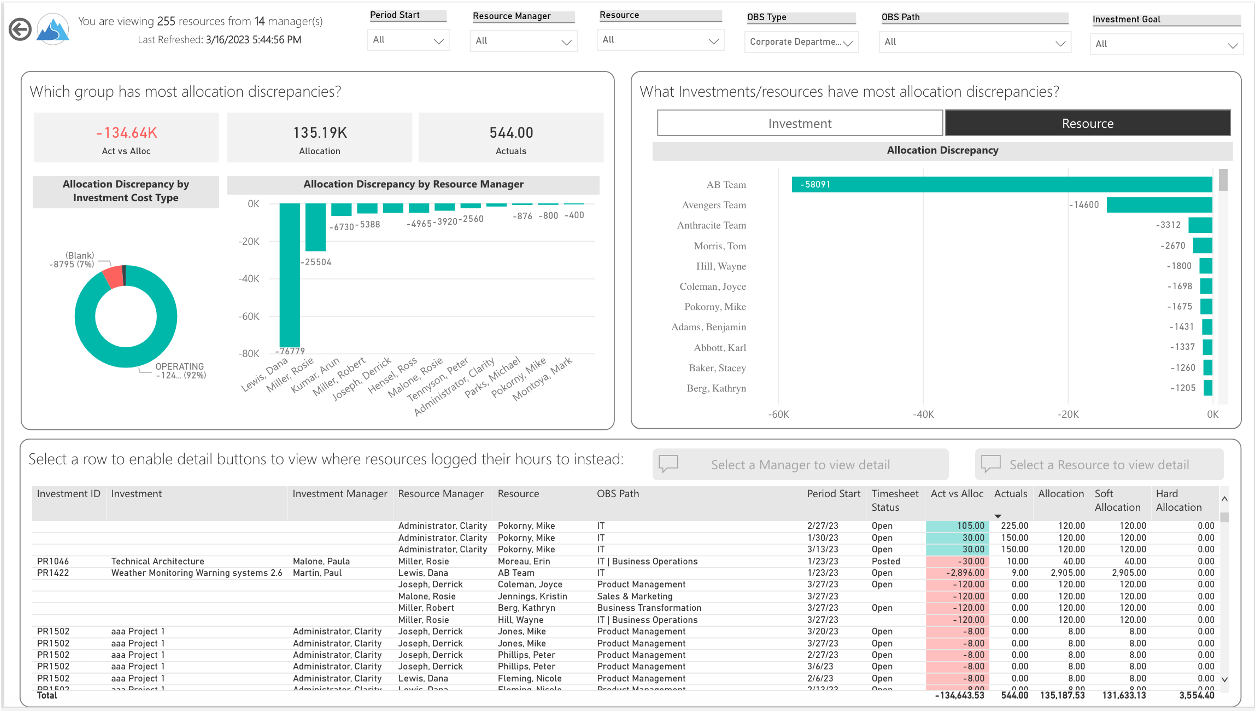

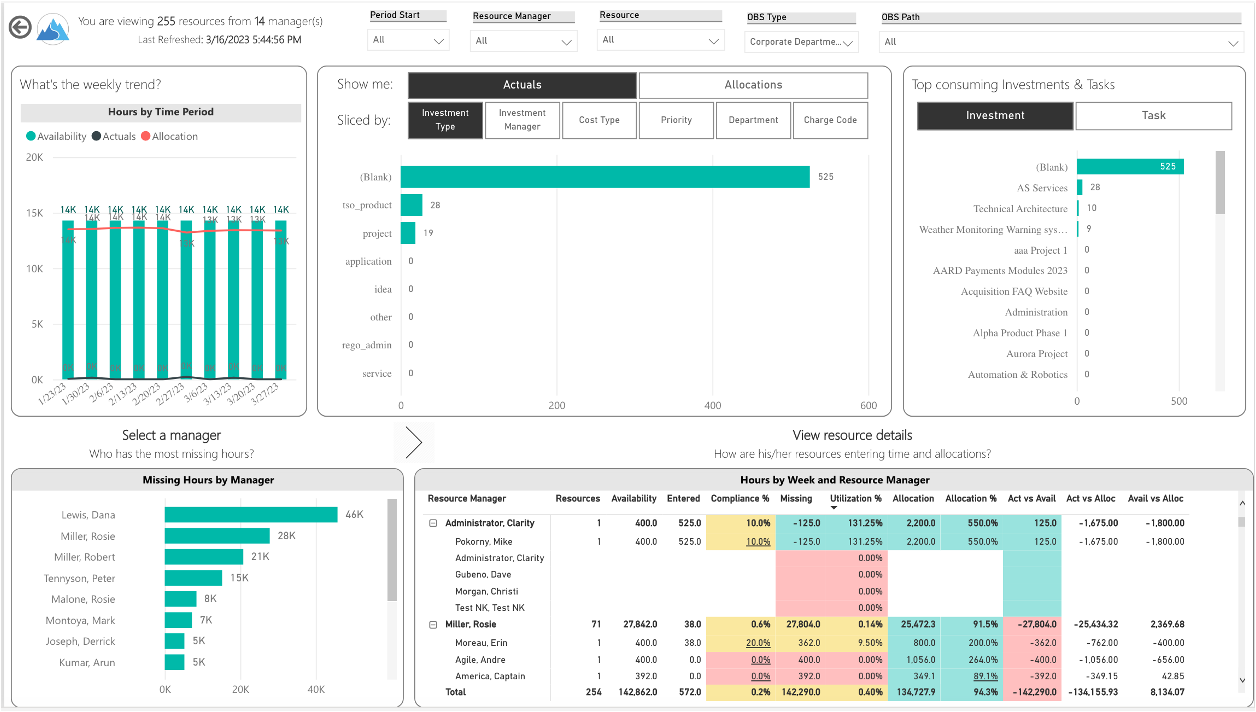
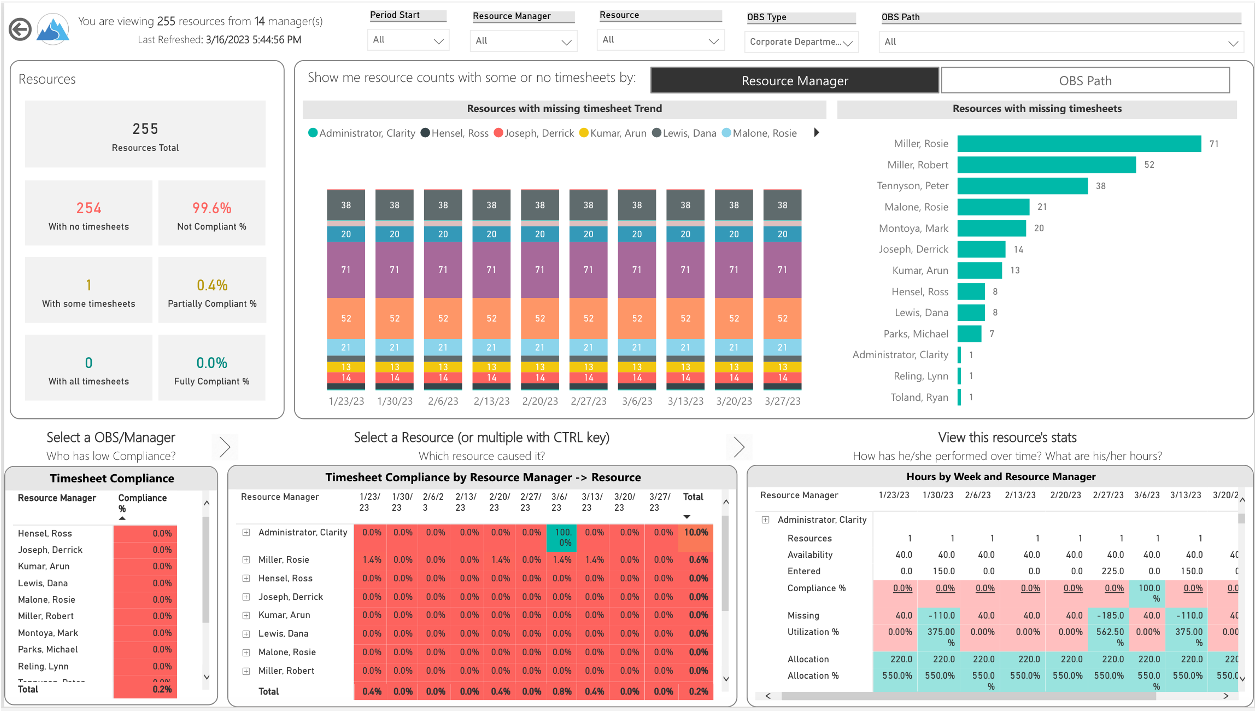
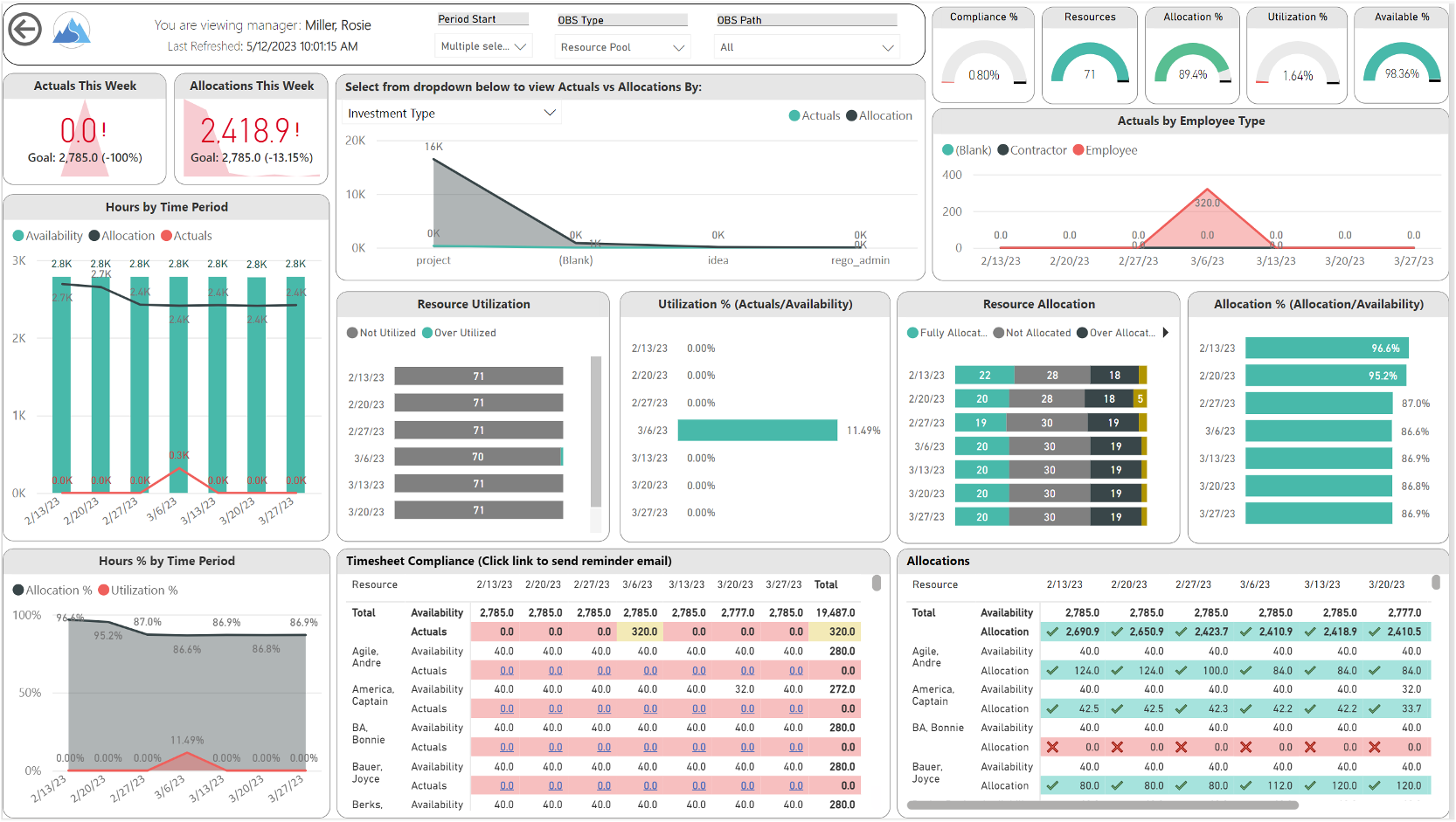
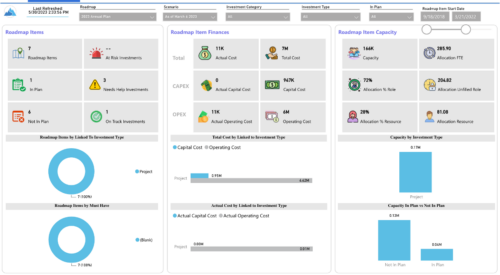
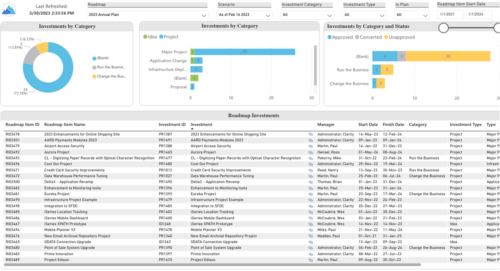
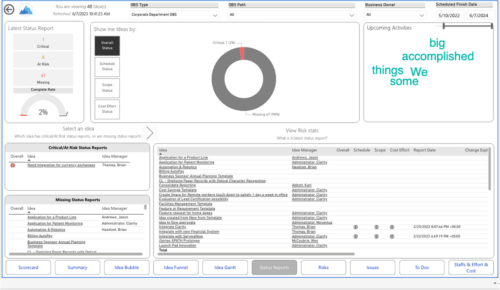
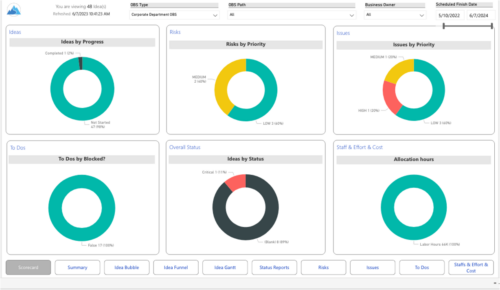
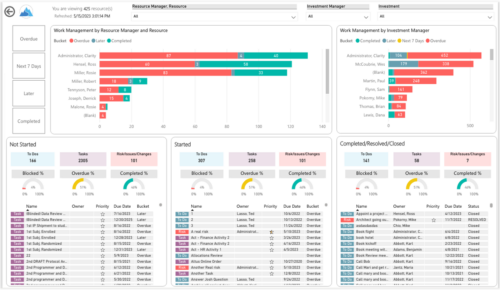
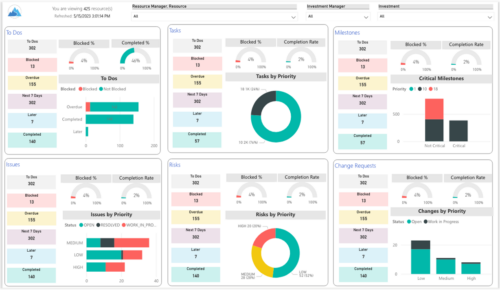
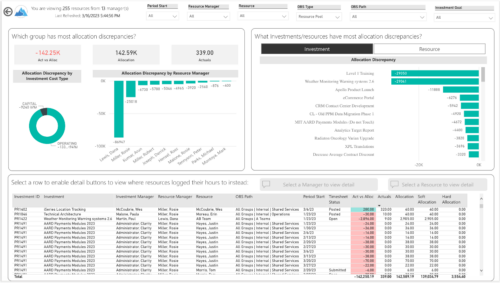
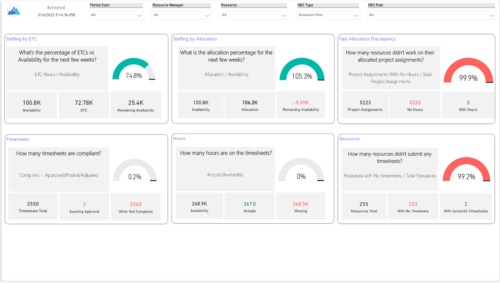
Spot opportunities to improve timesheet accuracy and resource allocations by assessing timesheet compliance and allocation. Report Views include:
- Allocation Variance
- Capex vs Opex
- Hours Detail
- Resource Dtails
- Single Manager Drill Down
- Single Resource Drill Down
- Timesheet Detail
- Timesheet Summary
- Unapproved Timesheets
Demo Video: https://www.youtube.com/watch?v=yxIkkqSyrRU&list=PLXJ5ktuWV0jiS9CvBpHvBIwpKPmA9uvwK&index=8
The main .rpt file will access data through the Data Warehouse. For clients on Rego’s AWS hosting, we have versions that work with Oracle and Postgres DB and access the live database, if the Rego Odata connector is being used.
Download Details
RegoXchange Content ID: EX2349
Submission Date:
Submitter:
Content Type: Business Intelligence
Related Modules: Time
Company: Rego Consulting
Version Support
Versions Supported: 16.x+
Special Instructions
Special Instructions:
| See RegoXchange item #EX1565 – “Using RegoXchange Power BI Reports – How to Update the Data Source” for more details on implementing this report.
Depending on the time sheet slice and fiscal slice setting in your Clarity instance, there might be an offset to adjust in the dim_Time Periods query. If your organization doesn’t have weekly period data included in the DWH, you could enable it by navigating to Classic PPM -> Administration -> General Settings -> System Options -> Data Warehouse Options and Check INCLUDE WEEKLY PERIOD DATA. |